
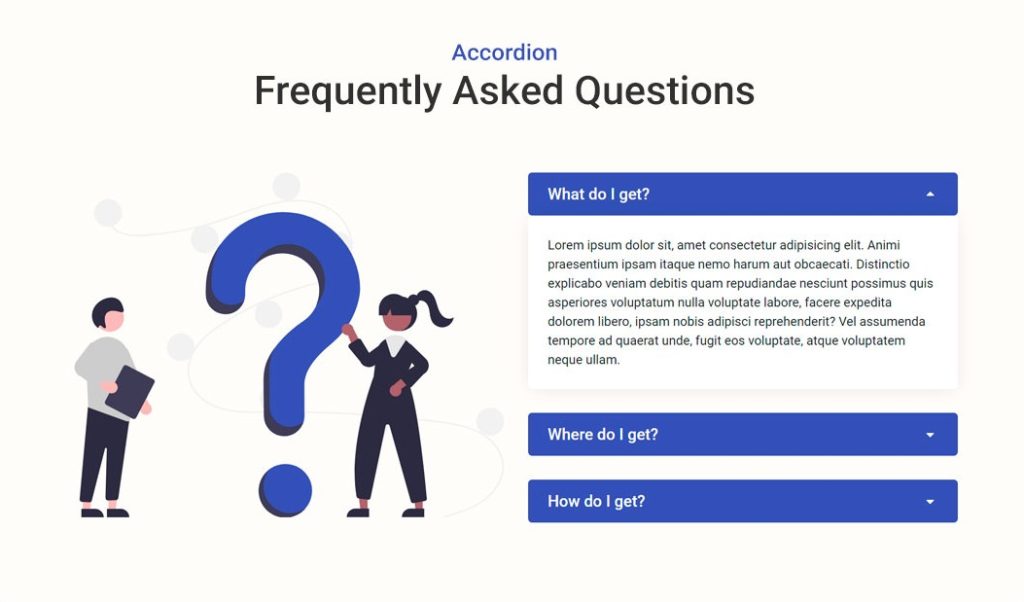
Frequently Asked Question (FAQ) is a section where the visitors can get answers to specific questions about your product or business operation, it is dedicated to answering customers’ most common questions and concerns.
In short, an effective FAQ page is the first point of contact for customers looking for answers before they reach out to you directly with their questions.
FAQ templates
Speed up your web development process with ready made FAQ templates.
20 FAQ page designs and examples
Now let’s look at 20 great examples of FAQ pages/blocks and why they’re so effective.
1. Google FAQs
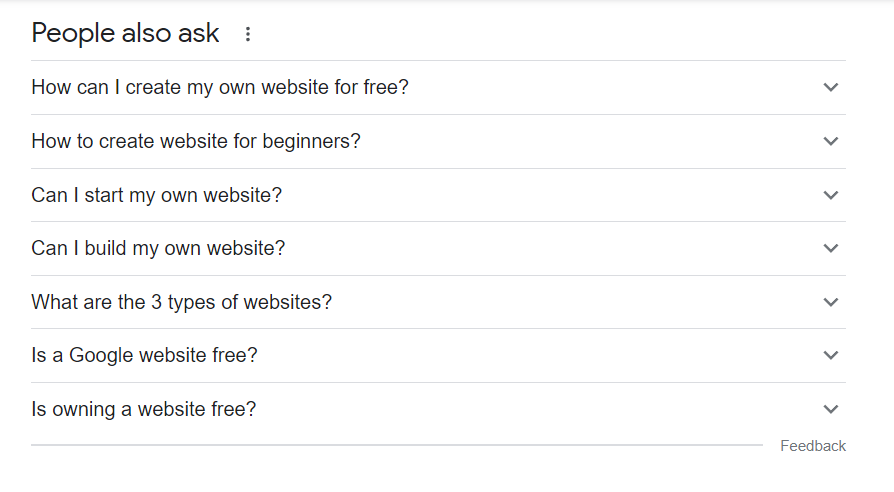
You must have seen this. You are right, you see this with every search query on Google.
This is one of the most common design used for FAQs. It’s a simple accordion which helps you answer more questions with minimum space.
With accordion, you can easily provide answers for common questions without compromising on design.
2. YouTube FAQ
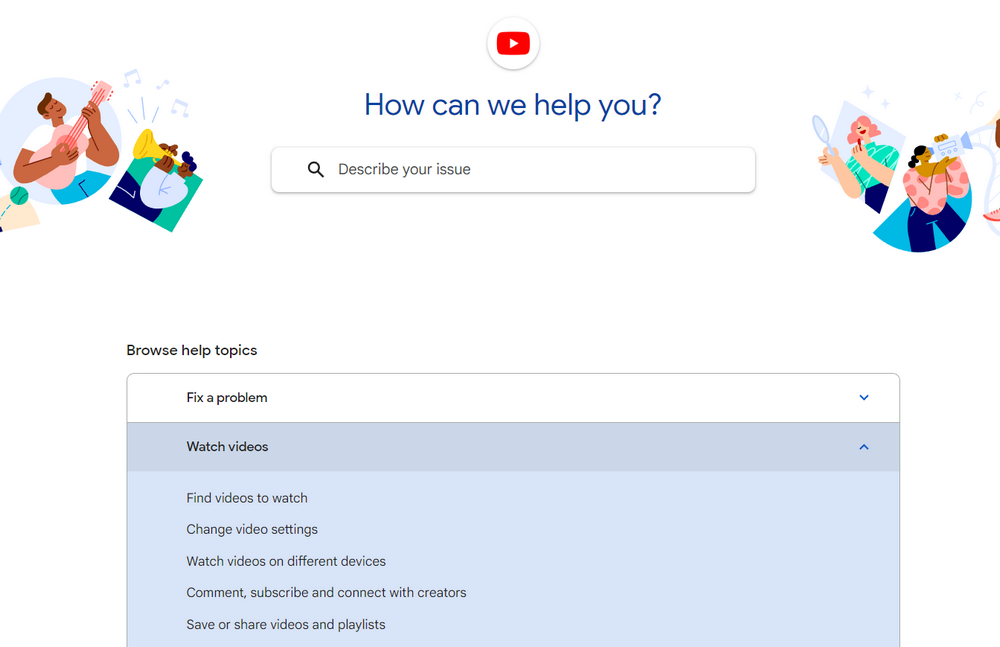
YouTube’s FAQ page is clean, fresh, simple to use, and provides access to the most commonly asked “help” topics.
The FAQs are categorized into different sections which help users to easily navigate through the questions.
3. Simple FAQs design
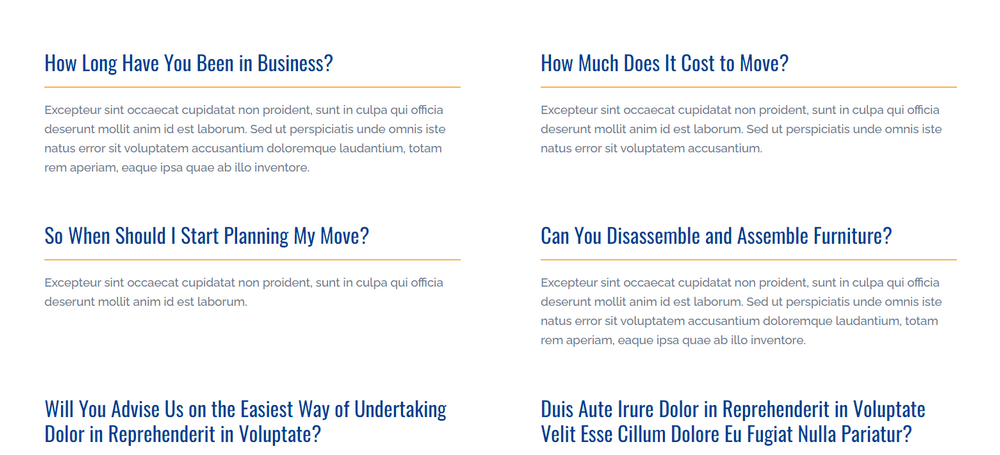
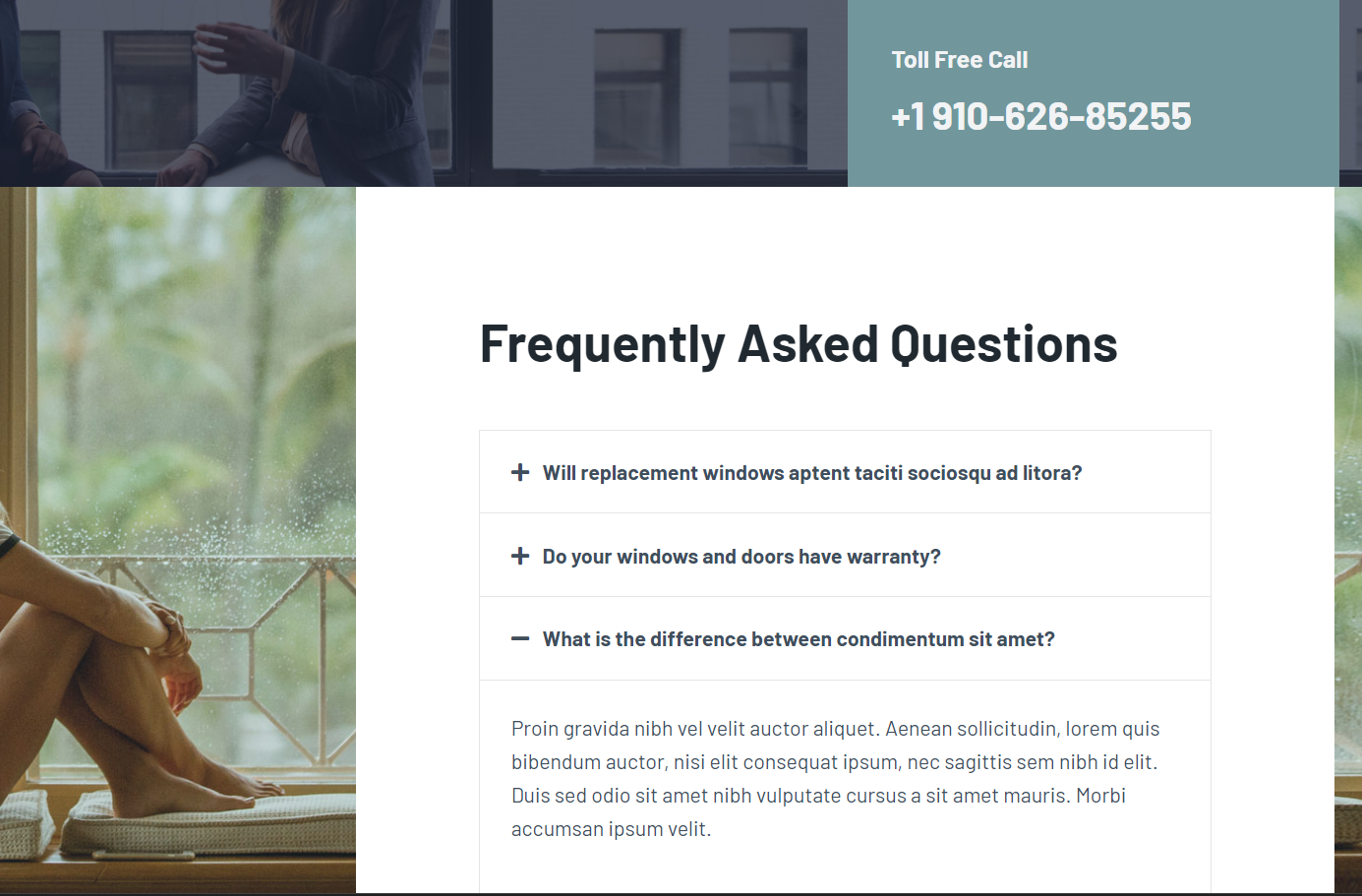
It is one of our FAQ page template (Moving Services). Your FAQ page doesn’t have to be fancy. As long as you match FAQ design with your website, you are good to go.
If your customers ask the same questions every time, you can create a FAQ page to answer those questions in a first look.
4. Shopify FAQ
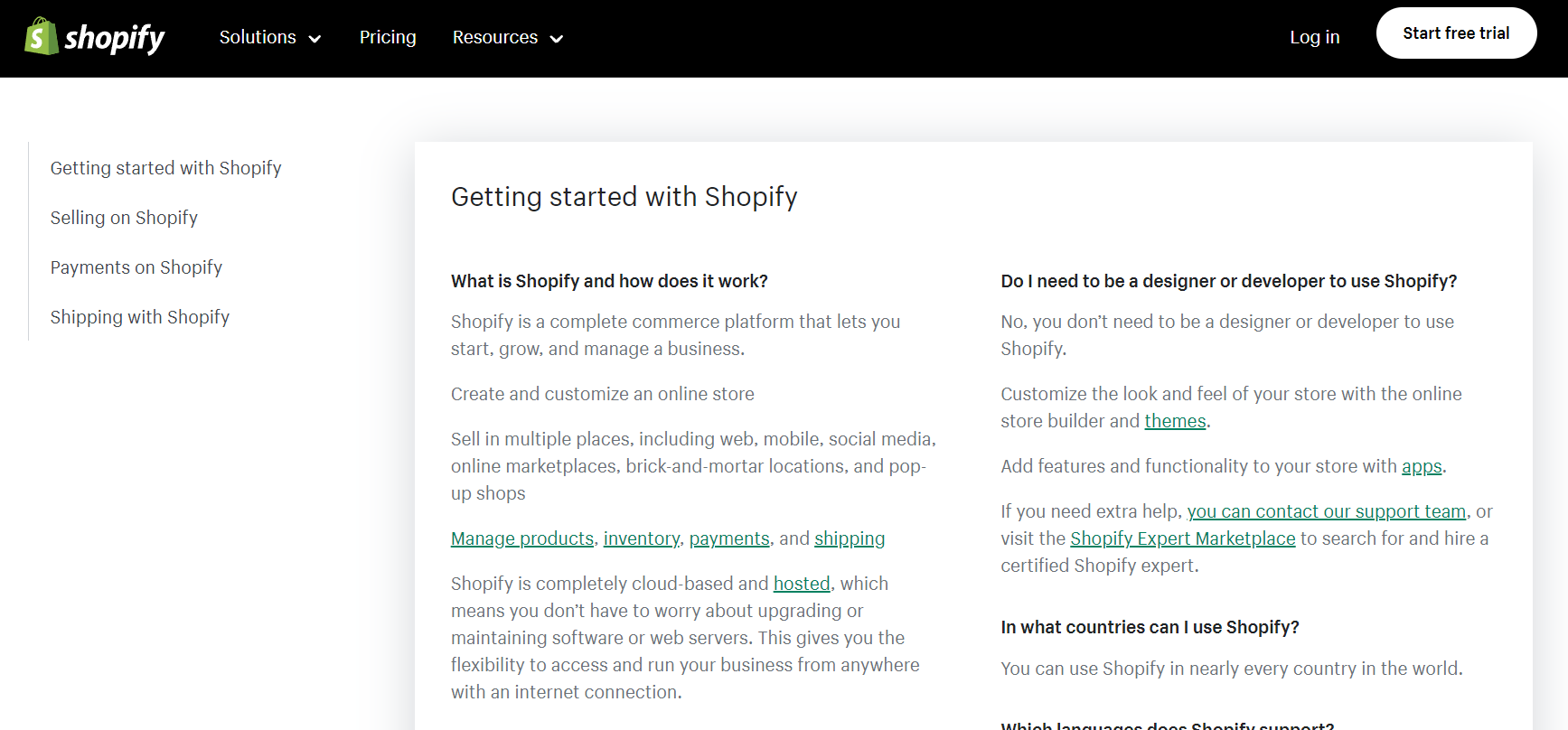
The Shopify FAQ page just answers a few questions, which are most commonly asked regarding their business.
Even with limited FAQs, they have provided filtering options and collecting user feedback on the answers.
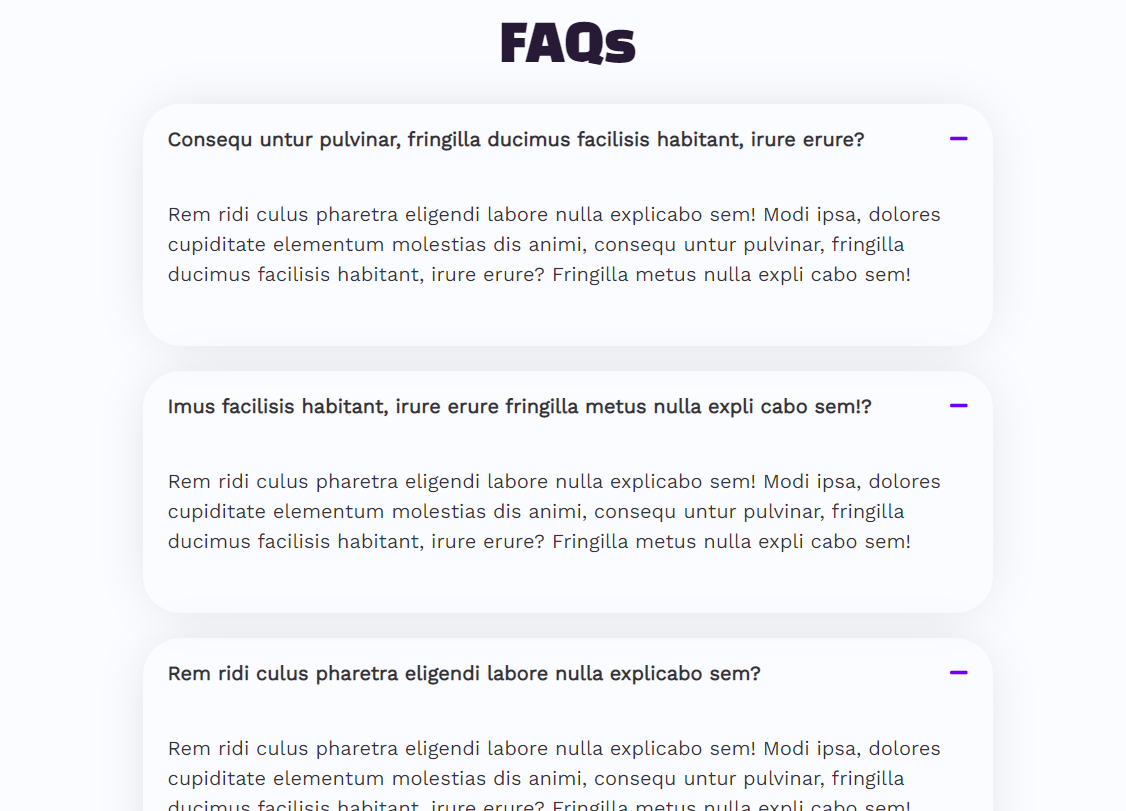
5. Foldable FAQs
6. Elegant FAQ Design
How to add FAQs in WordPress
We are gonna create FAQs, or FAQ pages with Spectra, which is the most effective and beginner friendly drag and drop builder.
Step 1: Install Spectra plugin
- Go to Plugins > Add New
- Search for Spectra
- Click Install Now
- Click Activate after WordPress installs the plugin for you
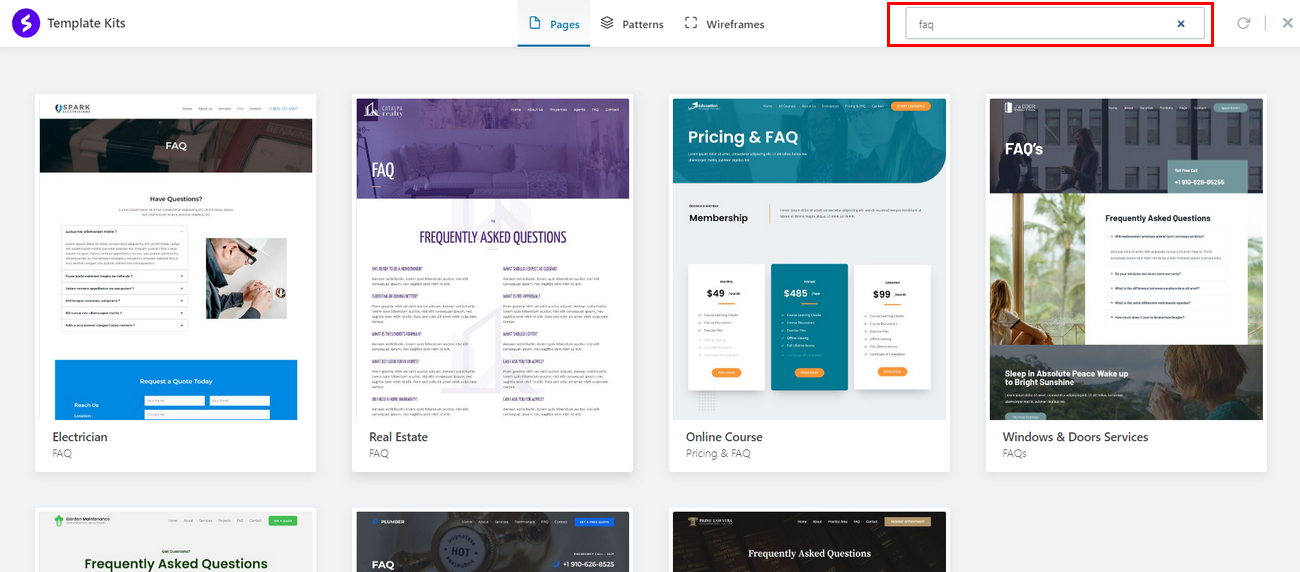
Step 2: Import premade FAQ template
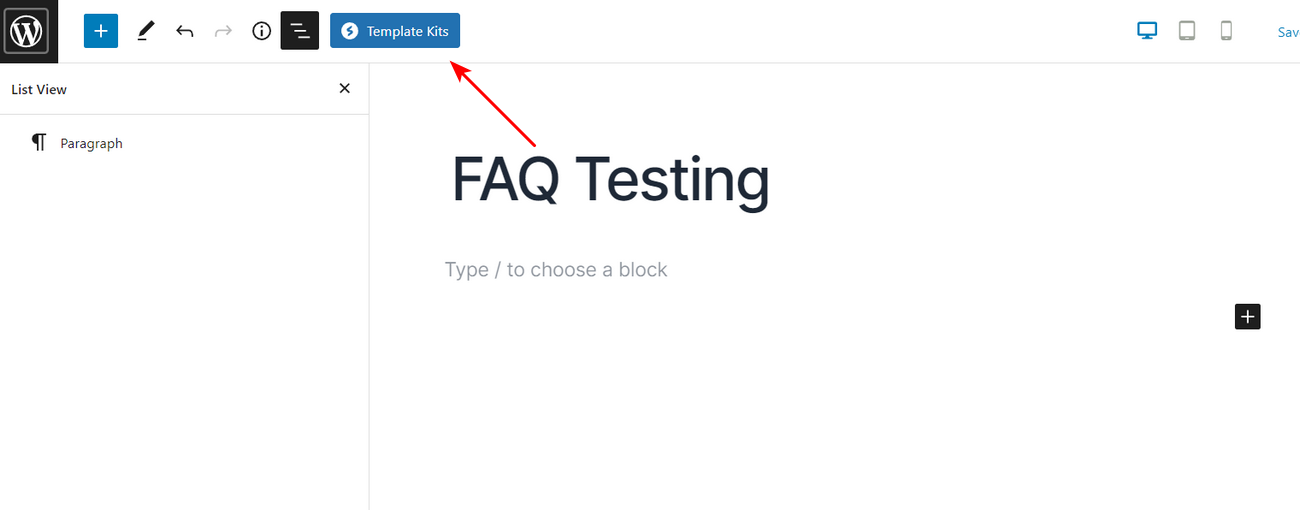
- Create or edit the post or pages where you want to add FAQ
- Click on a Template Kits button
- Search and import premade FAQ template page or section.
Note:
With the Spectra FAQ block you can enable FAQ schema markup and get more traffic by utilizing rich snippets.
Step 3: Design FAQ page / FAQ section
Customize content, design and functionality with an easy to use visual builder.
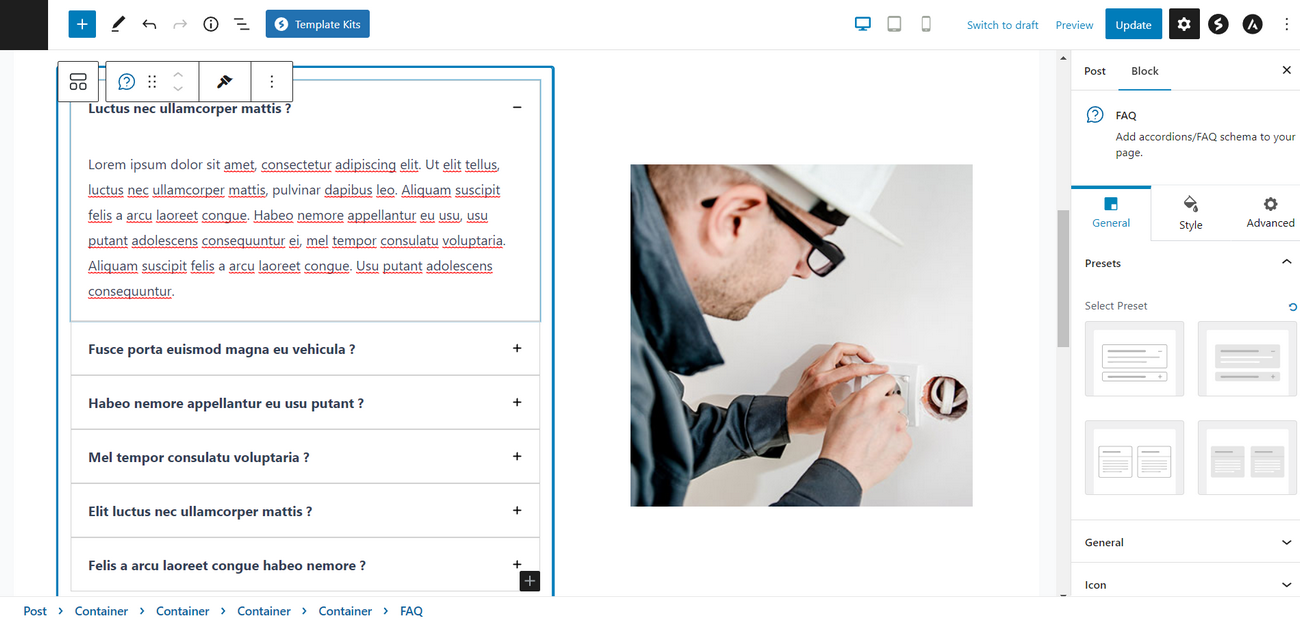
That’s it, your SEO and user friendly FAQs are ready.
Click to action
FAQ
Table of content
Contact forms
Portfolio
Product page
Team
Testimonials

No Content
Disclosure: This blog may contain affiliate links. If you make a purchase through one of these links, we may receive a small commission. Read disclosure. Rest assured that we only recommend products that we have personally used and believe will add value to our readers. Thanks for your support!


