
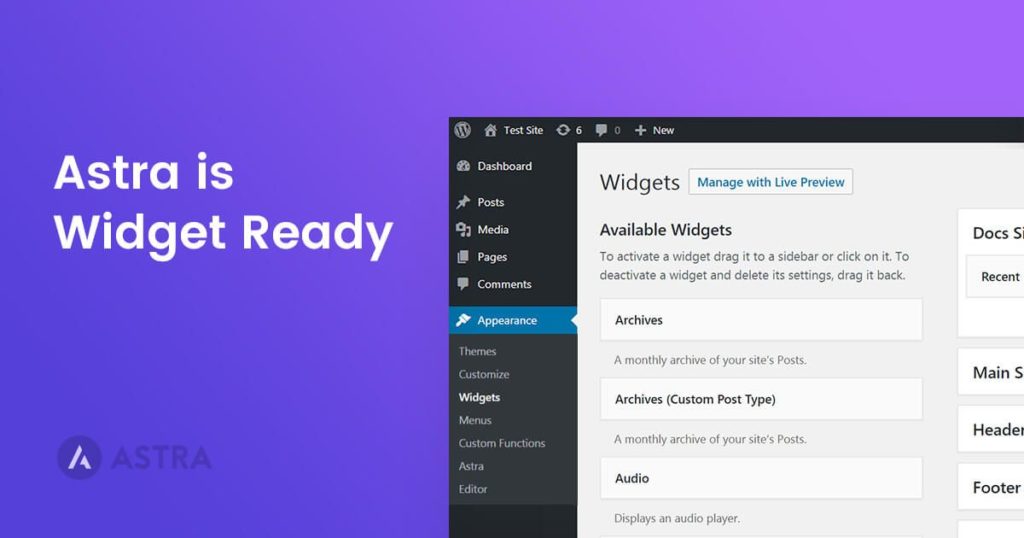
Few days ago, we rolled out an update and introduced a few new header layouts. One of the hidden gem of the update was we made Astra ? widget ready!
Check out this video to get a better idea –
Since there are tons of of plugins that extend the built-in widgets in WordPress and as they can be added in various parts of Astra such as headers, footer: you now have a more freedom than ever to design your theme parts!
Cheers!
Article by

No Content


No Content
Disclosure: This blog may contain affiliate links. If you make a purchase through one of these links, we may receive a small commission. Read disclosure. Rest assured that we only recommend products that we have personally used and believe will add value to our readers. Thanks for your support!








great feature. Can widgets be added to the footer? I would love to be able to set the footer to have 2, 3, or 4 columns and put in text, html, or widgets.
Great starter theme – congrats!!
Hi Rich, Thank you for the compliments. As for your question: more widget areas in the footer would be included as a part of premium addon package for Astra. If you have not yet in our Facebook group, I would encourage you to join so you will know when it’s launched.
Hello. Would you consider adding widget support for the body? I’d like to add a small banner right above my blog posts and there’s no way I can do it without editing ‘index.php’. Problem is, every time there’s an Astra update, I have to copy/paste the banner code.
Thanks in advance.
how can i download the newest version of astra theam
Hello Rahul,
The latest version of Astra theme is available on WordPress repository, here’s the link to the theme.
Also, here’s an article on how to install the theme from the WordPress dashboard which will download the latest version.
How about author bio in widget?
Hello there, the header’s widget-2 in the new update is taking too much space making the other widgets and icons next to it appear vertical and on the next line. I not much of a coder, can you please help me out of this?