

Today, I’m very excited to share a few new and highly anticipated header layouts in Astra. Let’s dive right into how easy it is to work with them!
The current default layout available in Astra features a sleek and modern design that has evolved significantly since the theme’s inception. This layout is now complemented by several new options that enhance both functionality and aesthetics.
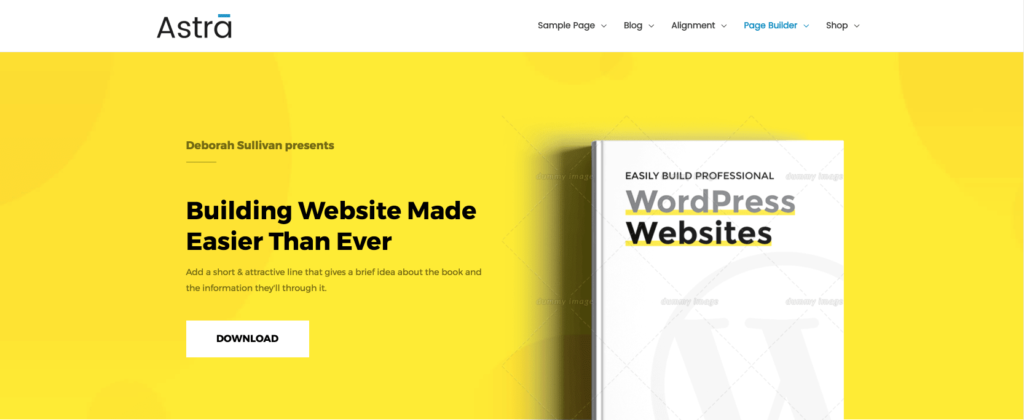
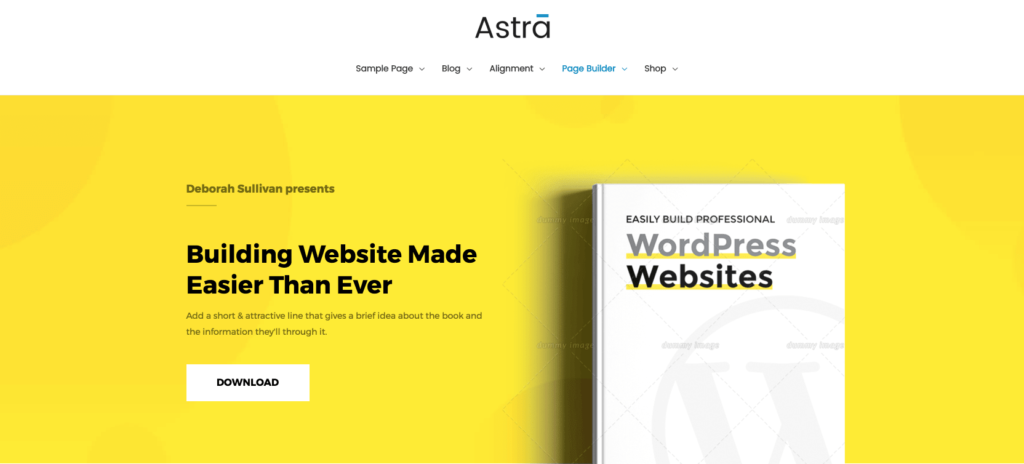
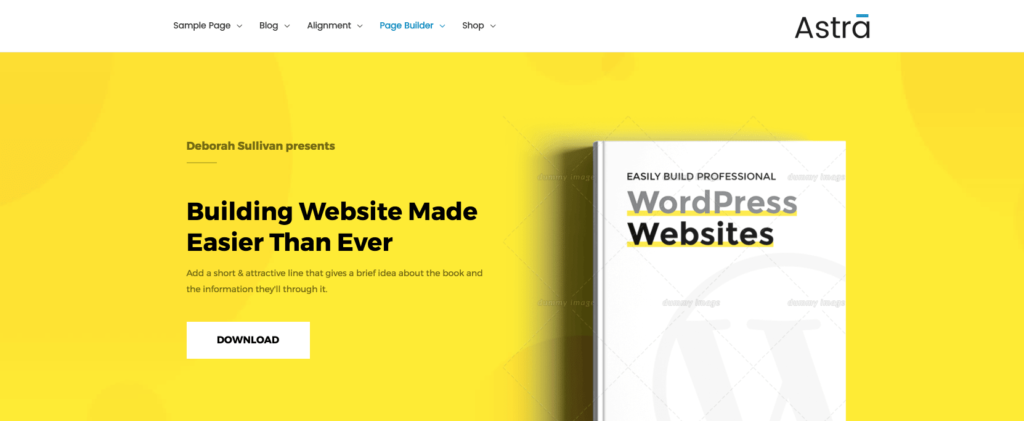
To select the header layout that best suits your site, simply navigate to the customizer settings. You will receive an instant preview of how each layout will look, allowing you to make informed decisions.
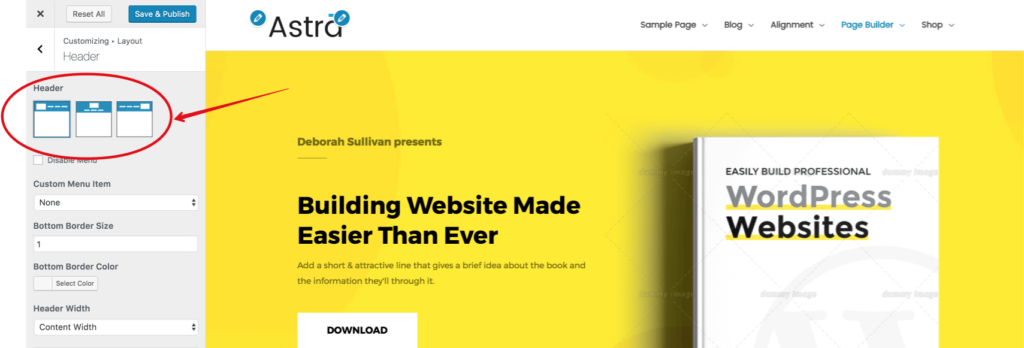
This update marks a significant milestone for Astra, making it easier than ever to create stunning header layouts. We are committed to continually enhancing our offerings and will be adding more header layouts in future updates.
We encourage you to update to the latest version of Astra and explore these new options! We would love to hear your feedback, so please leave a comment and let us know what kind of header layouts you would like to see in the future.



No Content
Disclosure: This blog may contain affiliate links. If you make a purchase through one of these links, we may receive a small commission. Read disclosure. Rest assured that we only recommend products that we have personally used and believe will add value to our readers. Thanks for your support!



Hello I need a little help..
I just started with word press and using Beaver Builder based on what I read on the web..
Your site looks clean and simple but I need some help
1. on the heading how do you change the background color.. The options are cool.
But i need to adjust color . Probably simple
2. There seems to be almost an inch under the header line but I cant seem to get move the Beaver builder row or anything right up on the line.. You got the Yellow above to work properly but I cant find an option to fix that.
Hi Will!
1. Heading background – We have an addon plugin coming out soon that will extend Astra’s theme customizer settings and add more options. It has one include one for changing heading background as well.
2. Would you mind to email us on support@bsf.io with a link of your website? That will help us understand this better.
Hi,
I am making my website using your theme and needed some help with the header. I want to have multiple tiers for the header similarly to the astra Law sample website(some example links below) however I am not sure how to do that.
Astra Law: https://gyazo.com/5a6f9c365a95d0a8a0a94cff589f6262
Second Example: https://gyazo.com/dfa738cd2fe49aee428726df8f708d2c
Hi Shlok!
Unfortunately, this is not possible right away with the theme; but we have an addon coming that will help you create complex header layouts as you referred.
Meanwhile, if you’re using Beaver Builder or Elementor, the plugins below can help:
# Elementor Header Footer Builder
# Beaver Builder Header Footer Builder
Do you have an ETA on this? would really appreciate it
also would this be possible using astra hooks
Hi, will there be a vertical header layout option? Looking forward to it!
Hello Jan,
We do have this in our to-do list. However, it is hard to share a definite ETA for it. 🙂
That’d be totally awesome, really looking forward to this
I agree would love to see that added.
Is there already an idea if a vertical header will be implemented or are there other possibilities?
Currently I have solved it via a child template and Elementor
Seems like the vertical header has been a long time on the to do list? Any chance it will happen soon?
Hello Matthew, sorry for the delay as our plans changed a bit. As per the latest updates from the team, we are looking to add some presets where we can add Vertical Layout. No specific ETA but most probably by end of this year.
Very nice, is there a way to make a vertical menu instead?
Sorry, there’s no option as of now! We do have it in our list, we shall consider the same soon.